 0
0
 0
0
Finding a reliable, budget-friendly printer for your homeschool needs is essential. Consider the Epson EcoTank ET-2850 for low ink costs and high page yields. The Brother MFC-J1010DW is versatile for various tasks, while the Canon imageCLASS MF753Cdw excels in high-volume printing. Don’t forget features like duplex printing and built-in scanning capabilities. Maintaining your printer can extend its life and performance, ensuring you get the most from your investment. Discover more options and tips to enhance your experience!
Why a Reliable Printer Is Essential for Homeschooling
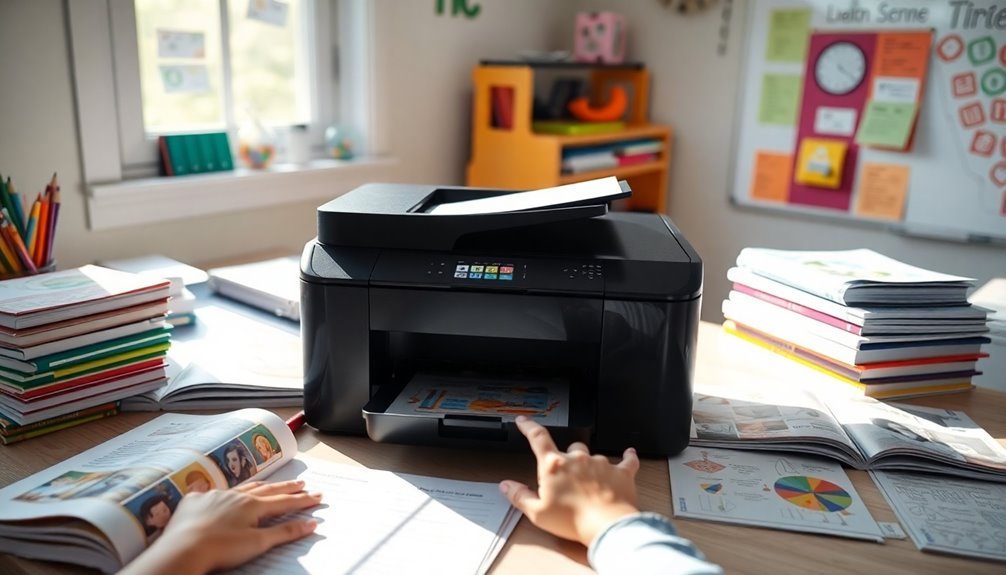
A reliable printer is essential for homeschooling because it empowers you to easily print curriculum materials, worksheets, and even public-domain books.
When you choose a printer that meets your homeschooling needs, consider options like the Epson EcoTank. With its long-lasting ink reservoirs, you can print up to 7,500 black-and-white pages and 6,000 color pages before needing ink refills. This feature greatly reduces your cost per print, making it a smart choice for budget-conscious families.
Additionally, printers that offer duplex printing, such as the Brother MFC-9130CW, enhance efficiency by allowing automatic double-sided printing.
Plus, the convenience of printing directly from your smartphone streamlines your workflow, ensuring you stay on top of all your printing tasks effortlessly. Furthermore, having access to expense tracking apps can help you manage your homeschooling budget effectively, ensuring you allocate funds wisely for all your educational resources.
Top Budget-Friendly Printer Options for Homeschool Families
When you’re searching for budget-friendly printers that cater to the unique needs of homeschool families, several options stand out for their performance and affordability.
The Epson EcoTank ET-2850 is a fantastic choice, allowing you to print a lot with low ink costs—up to 7,500 black and white pages before a refill.
The Epson EcoTank ET-2850 offers exceptional printing capacity with minimal ink expenses, delivering up to 7,500 black and white pages per refill.
For color printing, the Brother MFC-J1010DW offers speed and versatility, perfect for various educational tasks.
If you need a dependable color laser printer, consider the Canon imageCLASS MF753Cdw, which handles high-volume homeschool printing effortlessly.
The HP Envy Photo 7855 is another budget pick under $200, while the Brother MFC-9130CW excels in efficiency with automatic duplex printing, ensuring long run savings for your family. Additionally, investing in a printer with multifunction capabilities can enhance your homeschooling experience by providing additional features such as scanning and copying.
Cost Comparison: Inkjet vs. Laser Printers for Long-Term Savings
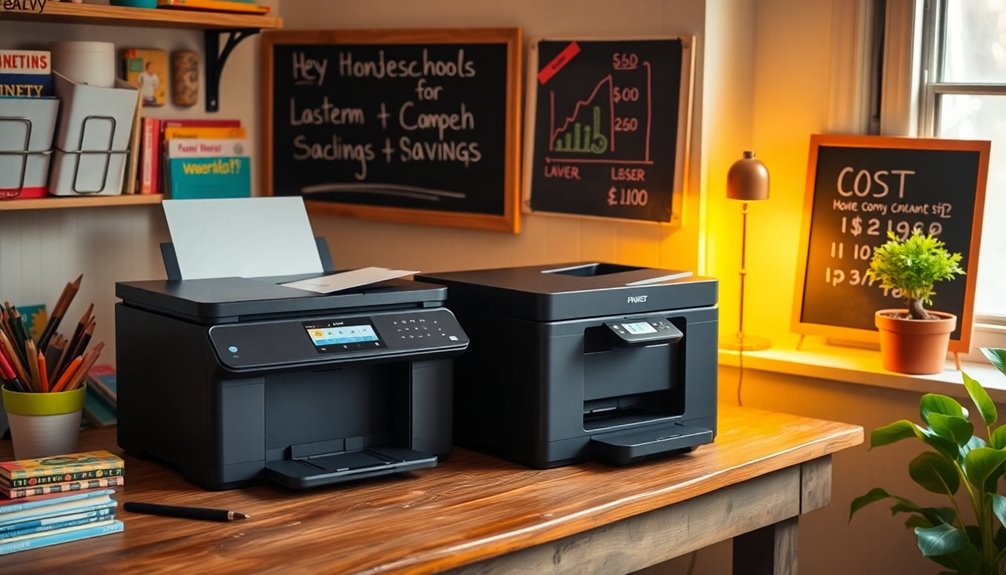
While you might find inkjet printers appealing due to their lower initial costs, it’s essential to reflect on long-term expenses.
If you’re homeschooling and printing a lot, the cost-per-page can quickly add up. Inkjet printers often exceed $0.12 per page for color prints, making them less economical over time.
In contrast, a laser printer offers significant savings, averaging about $0.02 for black and white prints and $0.11 for color.
For homeschool parents, investing in a higher upfront cost, like the Epson EcoTank series, can lead to substantial long-term savings. With its ability to print thousands of pages before needing a refill, it’s a smart choice for those who prioritize cost-effectiveness in their printing needs. Additionally, utilizing budgeting apps can help track printing expenses and manage overall costs effectively.
Key Features to Look For in a Homeschool Printer
Understanding the long-term savings of printers can help you choose the right one for your homeschooling needs.
Look for models with high page yields, like laser printers, which provide a lower cost per page and can print thousands of pages before needing a replacement.
Consider a printer with built-in scanning and copying capabilities to enhance your homeschooling resources.
Duplex printing is essential, as it saves paper and reduces overall costs, making your printing more eco-friendly.
Evaluate connectivity options such as Wi-Fi and Bluetooth for easy printing from multiple devices.
Finally, opt for printers that offer user-friendly maintenance, like easy troubleshooting and large ink reservoirs, ensuring you spend less time on upkeep and more time on teaching. Additionally, selecting printers with sustainable practices can contribute to reducing waste in the long run.
Tips for Maintaining Your Printer for Longevity and Performance
To keep your printer running smoothly and extend its lifespan, it’s vital to adopt some simple maintenance habits.
Regularly clean the print heads and nozzles, especially for inkjet models like the Epson EcoTank, to prevent clogs and maintain print quality.
Use high-quality paper compatible with your printer to reduce paper jams, ensuring vibrant colors and sharp text.
Keep your printer in a dust-free area and dust it routinely, particularly for laser models that attract dust.
Monitor ink or toner levels closely, using services like HP’s subscription for timely replenishment.
Finally, print at least once a week to prevent ink from drying out, greatly enhancing your printer’s performance and making it a long-lasting companion for your homeschool curriculum. Additionally, consider using budget-friendly recipes to create a fun learning environment while managing costs effectively.
Conclusion
In your homeschool journey, having a reliable printer is like having a steadfast friend by your side. It supports your learning adventures, helping you create worksheets, projects, and resources with ease. By choosing one of the budget-friendly options we’ve highlighted and keeping up with maintenance, you guarantee your printer lasts through years of education. Investing in the right printer not only saves you money but also enriches your homeschooling experience. So, go ahead and print away!